
Crash Course: Odoo ERP
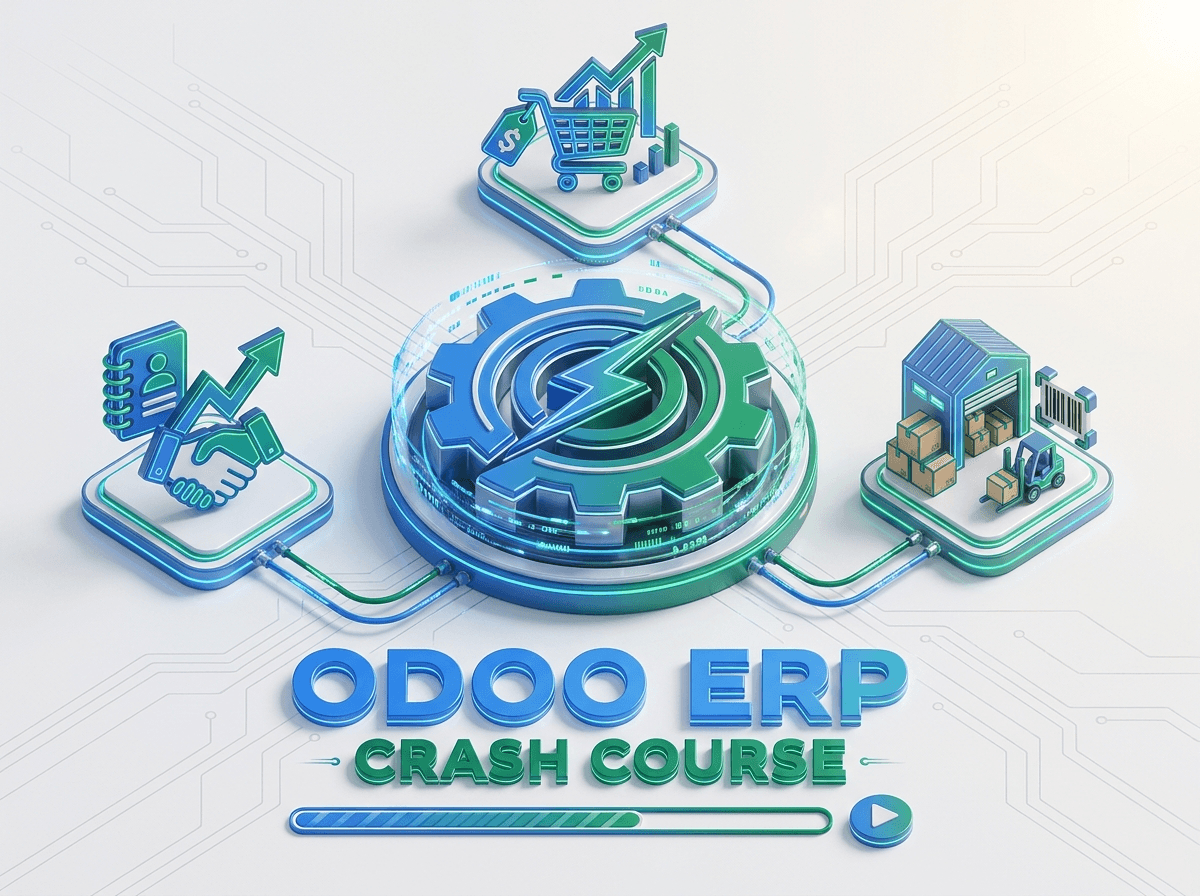
Understand how CRM, Sales, Inventory, delivery, invoicing, and payments connect through one practical Odoo workflow.
- Level
- Beginner
- Duration
- 2–4 Weeks
- Format
- Online / Blended
- Instructor
- Khaled Ahmed
Overview
This course is the main entry point for students, fresh graduates, employees, business owners, and future ERP professionals who need more than isolated software tutorials.
Learners follow one connected business story across Odoo applications, building both system confidence and a practical understanding of how departments exchange information.
Odoo Modules Covered
What You Will Be Able to Do
- Explain the purpose and value of ERP systems
- Navigate essential Odoo applications confidently
- Complete a connected CRM-to-payment workflow
- Configure a small product catalog and stock movements
- Understand how business departments share records and responsibilities
- Choose an appropriate next Odoo learning track
Curriculum
5 modules
Understand what ERP systems are, why organizations use them, and how Odoo connects departments.
Who This Course Is For
- Students and graduates building a practical ERP foundation before choosing a specialization
- ERP beginners who want to enter Odoo without getting lost in technical complexity
- Office professionals who need to understand the workflows behind daily administrative work
- Career explorers evaluating functional, administrative, or technical Odoo directions
Prerequisites
- No prior ERP or Odoo experience
- Basic digital literacy and browser use
- Interest in business processes and technology
- A laptop or desktop for practical activities
Practical Work Included
Lead-to-Cash Scenario
Process a customer opportunity through sales, stock delivery, invoicing, and payment.
Product and Stock Setup
Create a small product catalog and complete receipt and delivery movements.
ERP Process Map
Visualize how information moves between Sales, Inventory, and Accounting.
Certificate of Completion
Finish Crash Course: Odoo ERP and you receive an ETripleSoft Learn certificate of completion for the track.
- Awarded after you complete every module in the curriculum
- Confirms the practical work and capstone scenario you finished
- Lists the Odoo areas the course covered, so employers see the scope
- Shareable on your CV and professional profiles
Instructor
Chief Executive Officer
Leads the learning vision and ensures every training track is aligned with real business outcomes and career growth.
Frequently Asked Questions
How is this different from the Odoo User Guide?
The User Guide focuses on daily usage habits, while this course explains the larger ERP picture through a structured, connected business scenario.
Is accounting knowledge required?
No. The course introduces the operational meaning of invoices and payments without requiring advanced accounting.
Will I work in a real Odoo environment?
The planned delivery includes guided practice in an Odoo training environment.
What comes after this course?
System Admin is a strong operational next step; Implementation suits functional learners; Development suits technical learners.
Related Courses
Odoo System Admin
Learn to manage users, permissions, applications, company settings, data quality, and operational support.
Odoo Implementation
Learn requirement gathering, process mapping, solution design, configuration planning, testing, go-live, and handover.
Build Crash Course: Odoo ERP Skills You Can Apply in the Real World
Contact ETripleSoft Learn for the latest course schedule, final curriculum, delivery format, and enrollment information.