
Odoo User Guide
Learn to navigate Odoo and complete everyday CRM, Sales, Inventory, Accounting, activity, and reporting tasks.
- Level
- Beginner
- Duration
- 2–4 Weeks
- Format
- Online
- Instructor
- Ahmed Emad
Overview
A practical beginner guide for employees and business users who need to use Odoo in their daily work — not a deep technical course, but a reference-style walkthrough of the screens and workflows you'll touch every day.
Built from the questions real end users ask most: how do I find this record, why did that field lock, what does this button actually do.
Odoo Modules Covered
What You Will Be Able to Do
- Navigate Odoo applications and records confidently
- Manage CRM leads, opportunities, and follow-ups
- Create quotations and turn them into sales orders
- Track products, inventory, deliveries, and receipts
- Handle invoices and payments correctly
- Use activities, filters, and reports to stay on top of your work
Curriculum
6 modules
Understand apps, dashboards, menus, views, records, search, filters, grouping, and favorites.
Who This Course Is For
- Employees using Odoo for daily sales, purchasing, accounting, HR, or operational work
- Business teams that need to create consistent records and collaborate through shared workflows
- Business owners who want to understand how departments and transactions connect inside one ERP
- Complete beginners building a clear foundation before a role-based Odoo course
Prerequisites
- No previous Odoo or ERP experience required
- Basic computer and web-browser skills
- Access to an Odoo instance (trial or company account)
Practical Work Included
Customer-to-Invoice Workflow
Complete a connected scenario from a new customer enquiry to quotation, delivery, invoice, and payment.
Clean Data Challenge
Find and correct duplicate, incomplete, or inconsistent records using good ERP habits.
Personal Work Dashboard
Build useful filters, favorites, activities, and reports for a daily role.
Certificate of Completion
Finish Odoo User Guide and you receive an ETripleSoft Learn certificate of completion for the track.
- Awarded after you complete every module in the curriculum
- Confirms the practical work and capstone scenario you finished
- Lists the Odoo areas the course covered, so employers see the scope
- Shareable on your CV and professional profiles
Instructor
Odoo Consultant
Transforms complex workflows into clear learning journeys that help students understand systems with confidence.
Frequently Asked Questions
Is this suitable for someone with no ERP experience?
Yes. The guide starts with the interface and shared Odoo concepts before moving into connected business workflows.
Does this course require programming?
No. It focuses entirely on practical end-user work and business operations.
Which Odoo apps are included?
The scope covers CRM, Sales, Inventory, basic Accounting, Activities, and Reports.
What should I study next?
After this guide, choose the Crash Course, System Admin, Implementation, Automation, or Development track according to your role.
Related Courses
 Best Seller
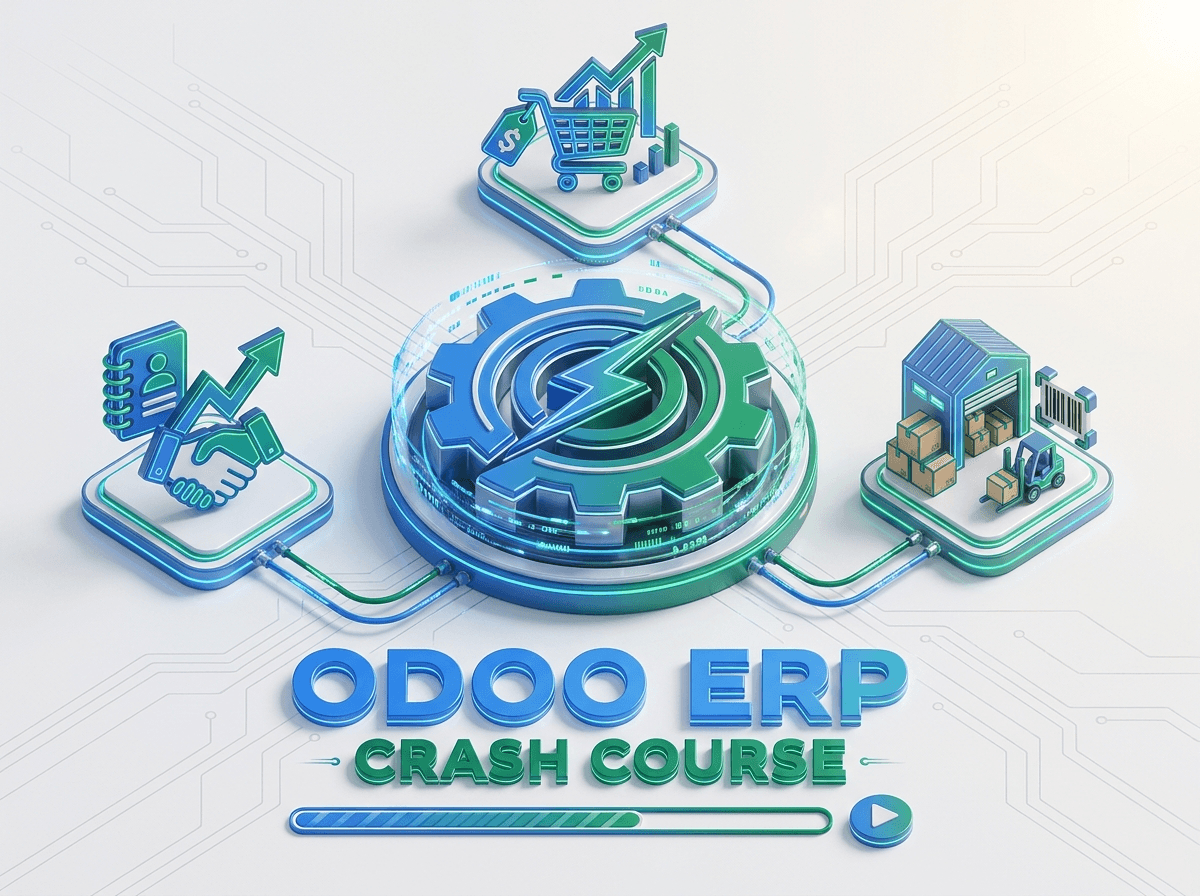
Crash Course: Odoo ERP
Understand how CRM, Sales, Inventory, delivery, invoicing, and payments connect through one practical Odoo workflow.
Odoo System Admin
Learn to manage users, permissions, applications, company settings, data quality, and operational support.
Build Odoo User Guide Skills You Can Apply in the Real World
Contact ETripleSoft Learn for the latest course schedule, final curriculum, delivery format, and enrollment information.